
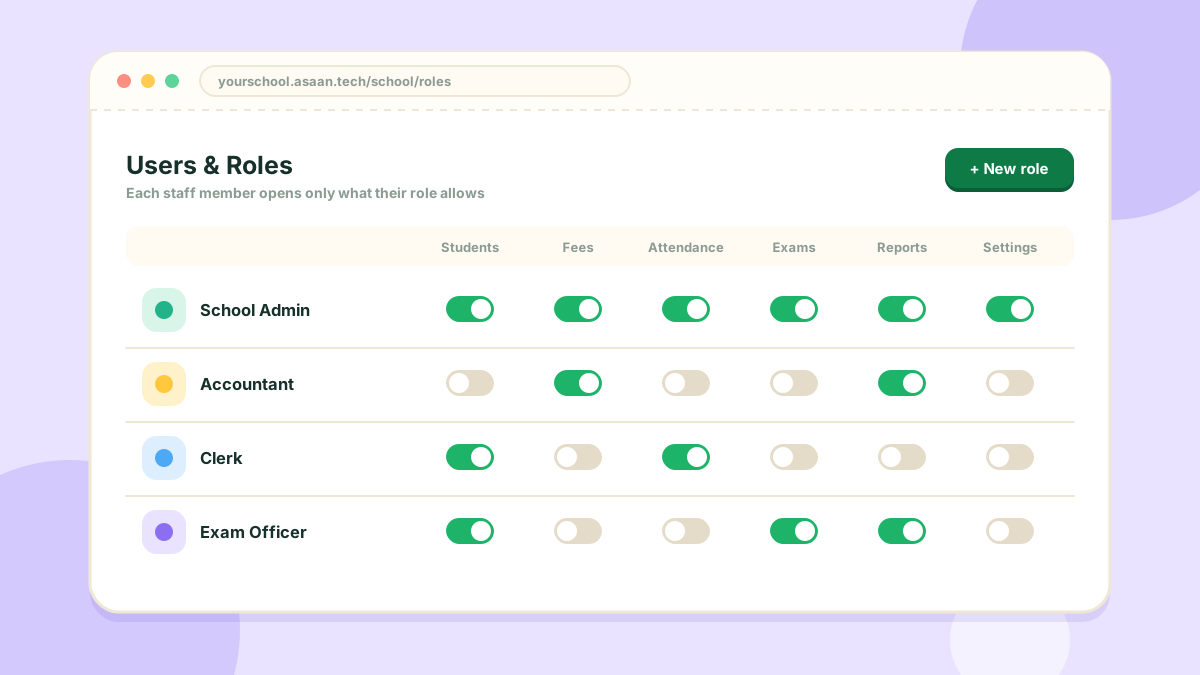
Not everyone in the office should see everything. Roles let you decide.
The three pages
- Users: the staff accounts of your school
- Roles: named sets of permissions, such as Accountant or Clerk
- Assign Role: which user has which role
Setting it up
- Create a role and choose the sections it may open
- Add the staff member as a user
- Assign the role to that user
A staff member then sees only the parts of the console their role allows.
Checking what someone sees
The school owner can open a student's or a teacher's own portal from their record, to see exactly what they see. Their password is not changed.