
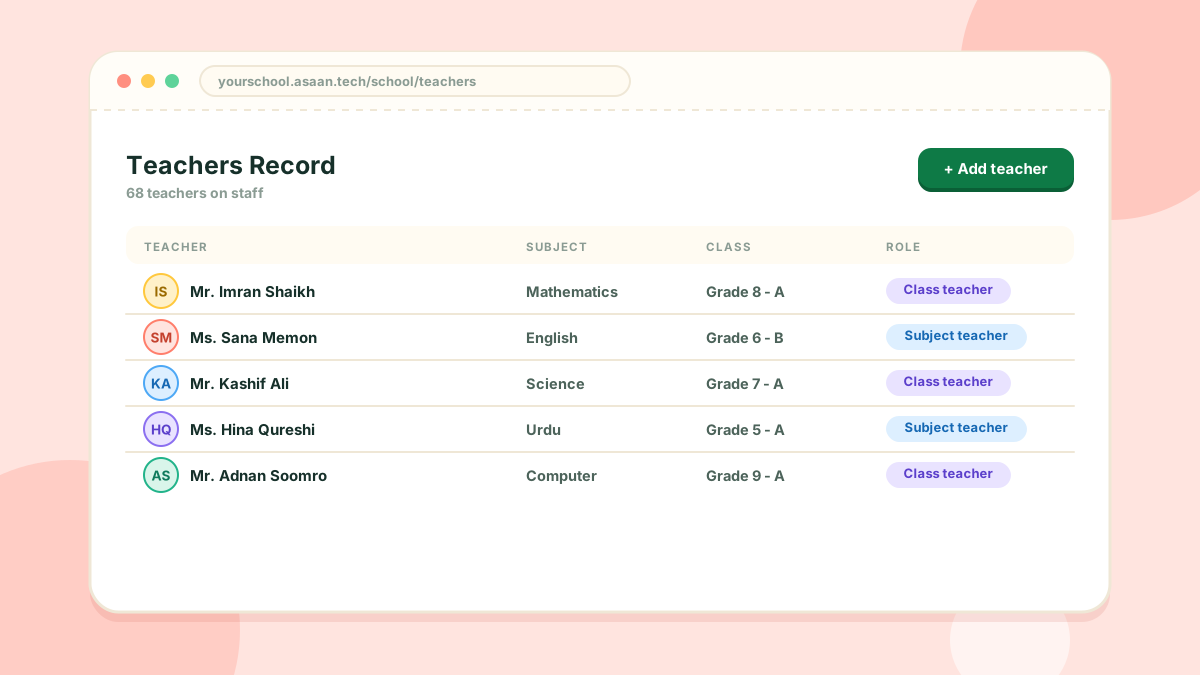
The Teachers Record holds a profile for every teacher, and it is what the timetable and teacher attendance are built on.
What you can do
- Add a teacher with their profile and contact details
- Import teachers from an Excel file, or export the list
- Give each teacher a login for the teacher portal and the mobile app
- Make a teacher the class teacher of a grade or of one section
Class teachers
A class teacher marks attendance for their own class. A teacher who is the class teacher of one section sees and marks that section only.
Adding a teacher
- Open People > Teachers Record
- Click Add teacher
- Fill in the form, set a password and save
The number of teachers you can add depends on your package.