
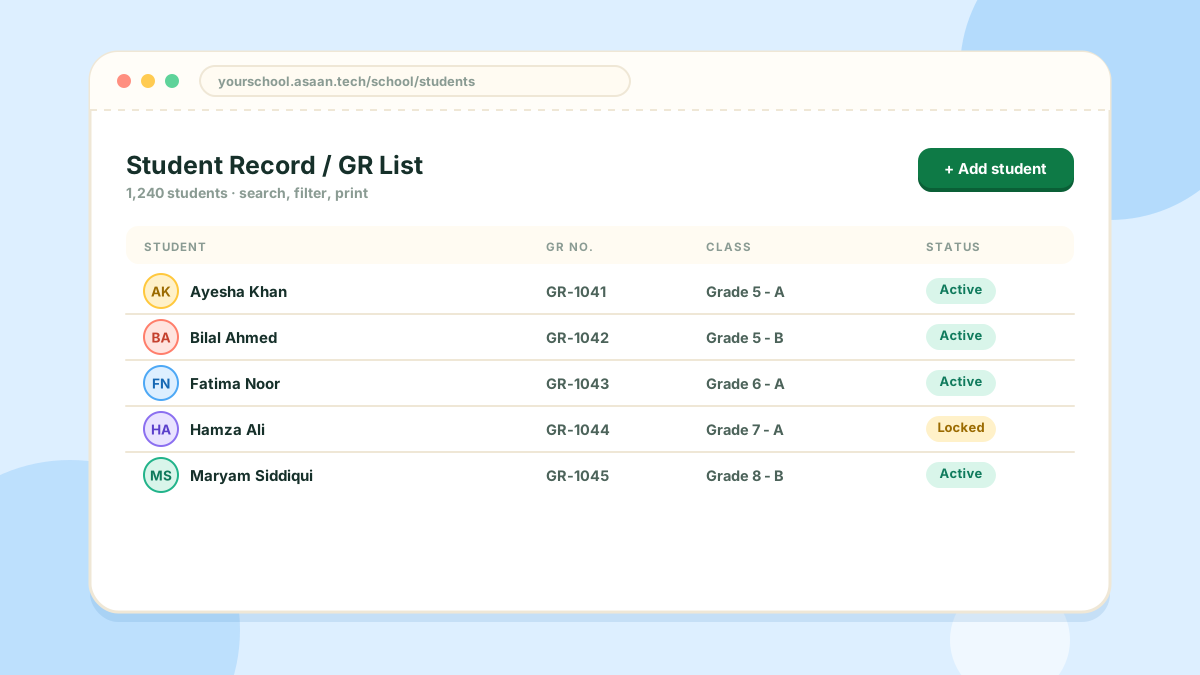
The Student Record / GR List is the heart of the system. Attendance, fees, examinations and certificates all read from it.
What you can do
- Admit a student with their full details and GR number
- Search and filter by name, class or section
- Import many students at once from an Excel (
.xlsx) file - Export the list to Excel, or print it
- Give each student a login for their own portal
Adding a student
- Open People > Student Record / GR List
- Click Add student
- Fill in the form, choose the grade and section, and save
Tip: set up your grades and sections first, so there is a class to put each student in.
Moving a student
To move a student to another grade or section, open their record, change the class and save.