
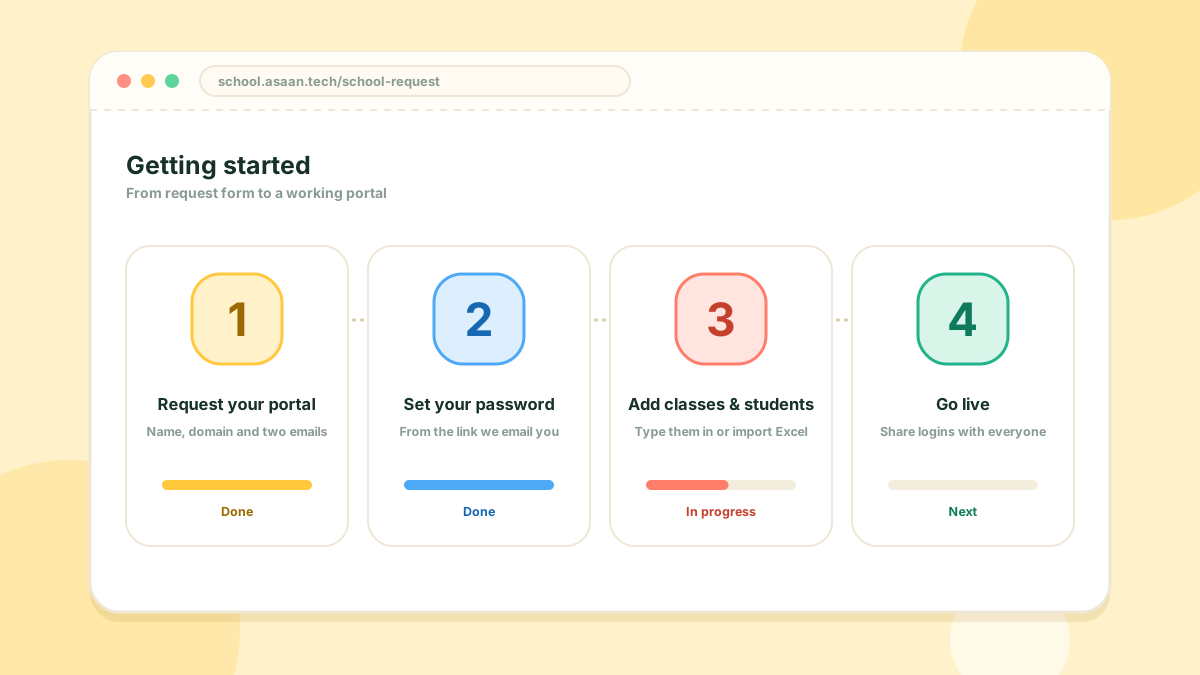
Setting up your school takes four steps, and you can do the first two in a few minutes.
1. Request your portal
Open Request a portal on the home page. Enter your school name, a domain or sub-domain, and the email addresses of your Head Master and Admin. A logo, phone number and address are optional.
2. Set your password
Your portal is created straight away. The Head Master and the Admin each receive an email with a Set your password link. Choose a password and you are signed in to your dashboard.
The link works once and expires after 48 hours. If it has expired, contact us and we will send a new one.
3. Add your classes and people
A good order is:
- School profile and campuses
- Grades and sections
- Subjects
- Teachers
- Students
Students and teachers can be imported from an Excel file, so you do not have to type each record.
4. Go live
Build the timetable, set up fees and give everyone their login. Your trial runs for 30 days with every feature unlocked, for up to 300 students and 15 teachers.