
There are two kinds of support ticket in Asaan School.
Contacting us
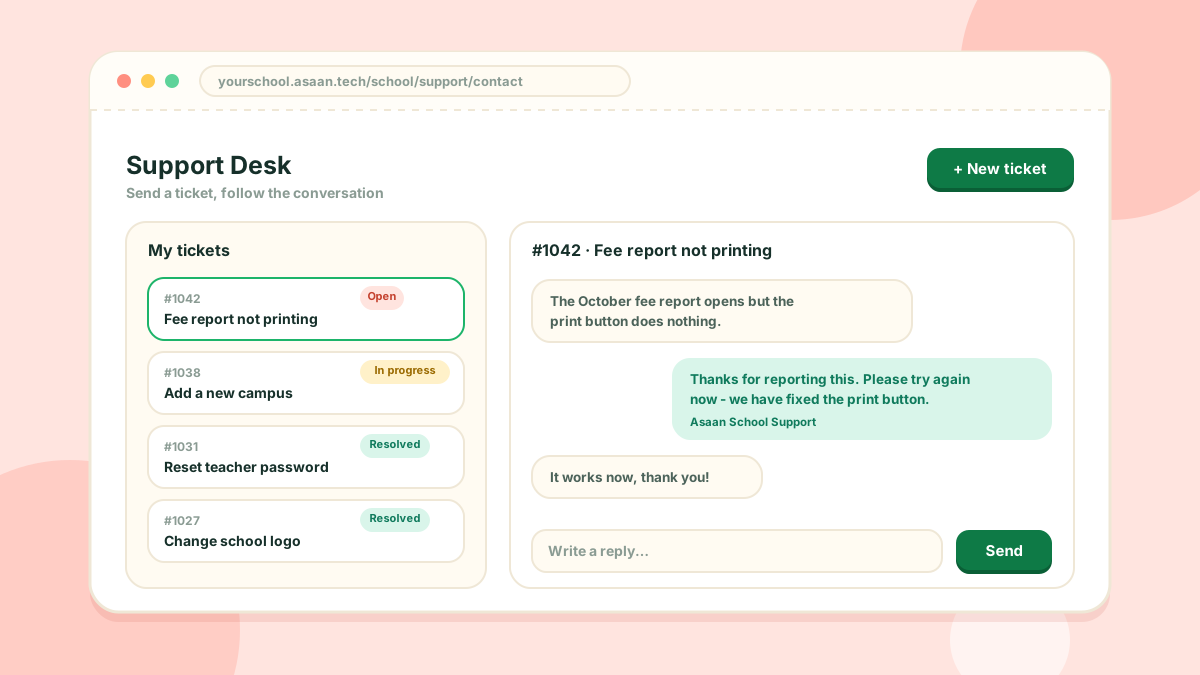
Any user of the school console can open Support > Contact Support and send a ticket to the Asaan School team. You can follow the conversation, reply, and confirm when the problem is solved. This is always available.
Your own help desk
With the Help Desk switched on, your students and teachers can send tickets to your school staff from their portals. Staff with the right permission answer them under Support > Help Desk.
A good ticket
- Say which page you were on
- Say what you did and what happened
- Attach a screenshot if you can
Feature ideas are welcome the same way.