
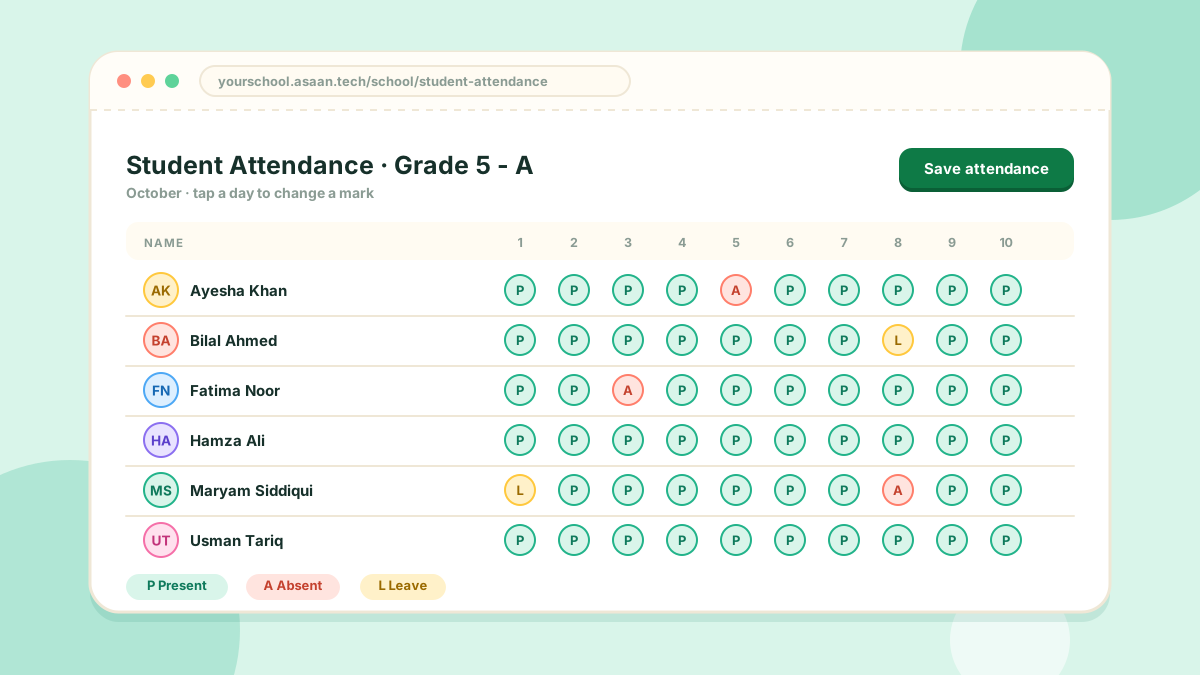
Student attendance is marked once a day for each class.
Marking
- Open Student Attendance
- Choose the class and the date
- Mark each student and save
Class teachers can do the same from the teacher portal for their own class.
From the mobile app
In the Android app a teacher can mark their class in a few taps, or scan the QR code on each student's card.
Leave and holidays
- Student leave is handled under Student Attendance > Student Leaves
- Holidays are added under Setting > Holidays
- The marks you can give (present, absent, late, leave and so on) are managed under Setting > Attendance Mark Status
Reports
The Reports section has a student report you can filter by class and date and then print.