
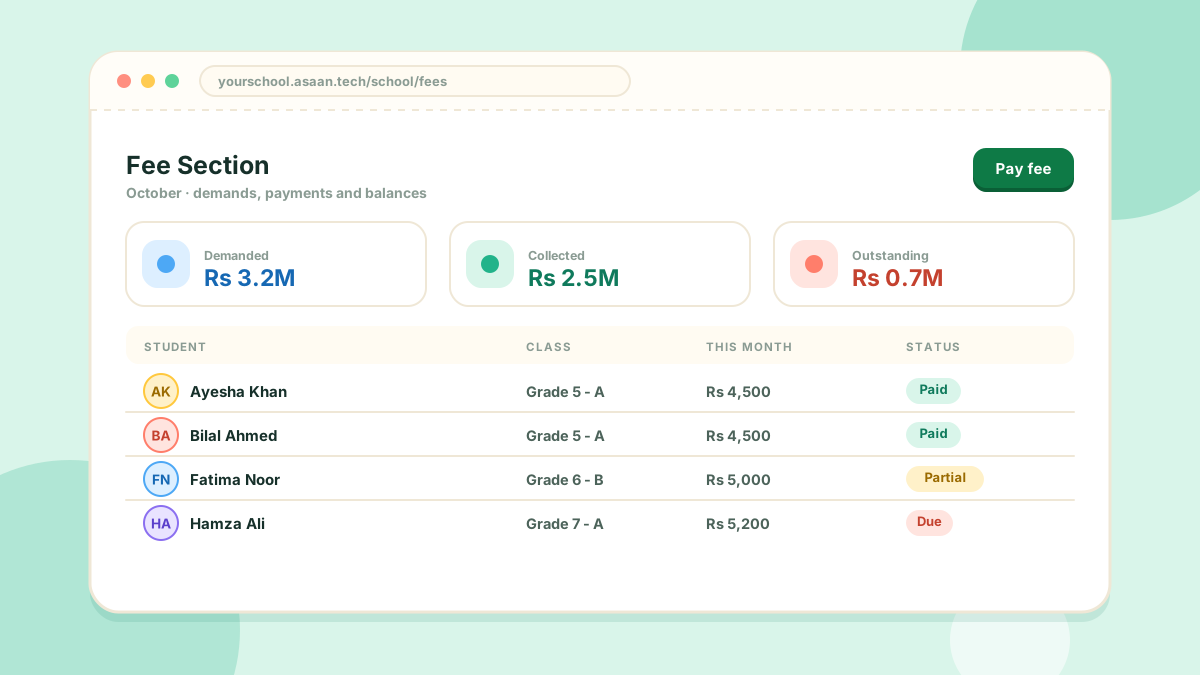
The Fee Section covers the whole journey of a fee, from the demand to the receipt.
Setting fees
- Group applies a fee to a whole class or group of students at once
- Individual Fee sets a fee for one student
Recording a payment
- Open Fee Section > Pay Fee
- Find the student
- Enter the amount received and save
The student's balance updates immediately. Fee demand statements can be printed for a student or a class.
Online payment
If your school connects a payment gateway under Setting > Payment Gateway, students can pay from their own portal. Without it, the school records payments by hand.
Reports
Fee Section > Fee Reports gives a per-class breakdown of what was demanded, what was paid and what is outstanding. The fee sheet can also be exported to Excel and imported back.
Each student sees their own demands, payments and balance in their portal.