
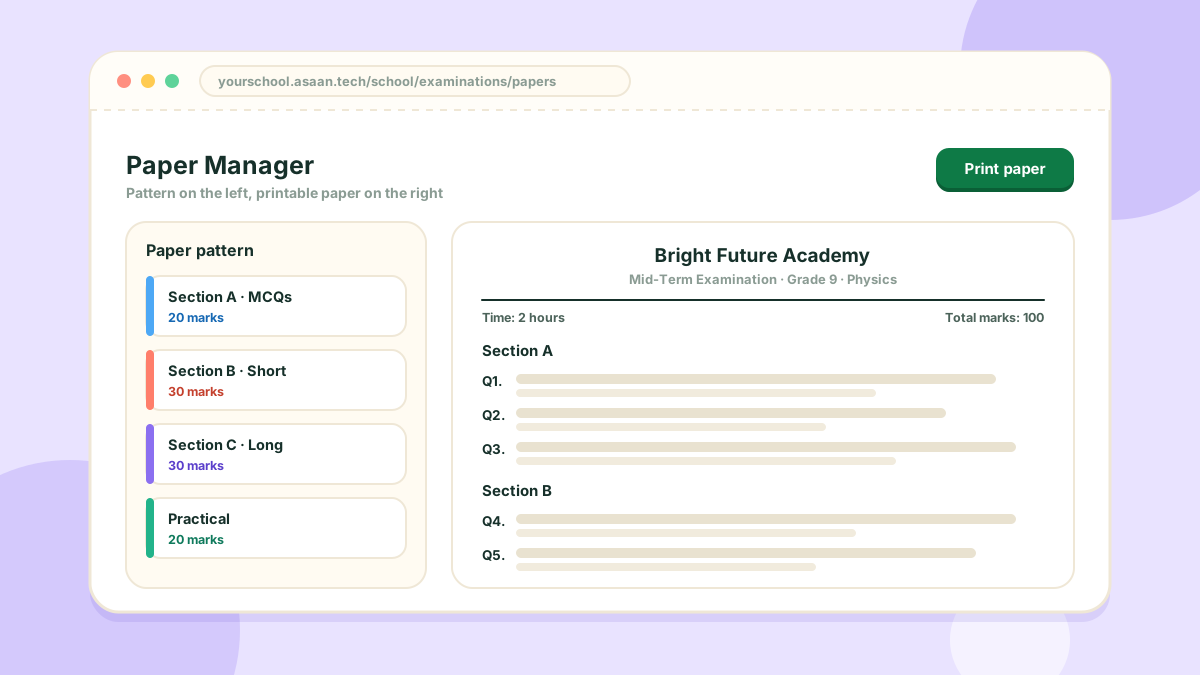
The Examination module turns making a paper into a few clicks.
The pieces
- Question Bank: questions saved by subject, ready to reuse
- Paper pattern: the outline of a paper, with its sections, question types and marks
- Examination setup: which classes sit which papers, and when
- Printing: the finished paper and the date sheet
Making a paper
- Add questions to the Question Bank for the subject
- Create a pattern, or reuse one you already have
- Open Paper Manager, pick the class, subject and pattern
- Choose the questions and print
Subject teachers can add questions and prepare papers for the subjects they teach, so the work is shared.
This module needs grades, subjects and student records to be in place.