
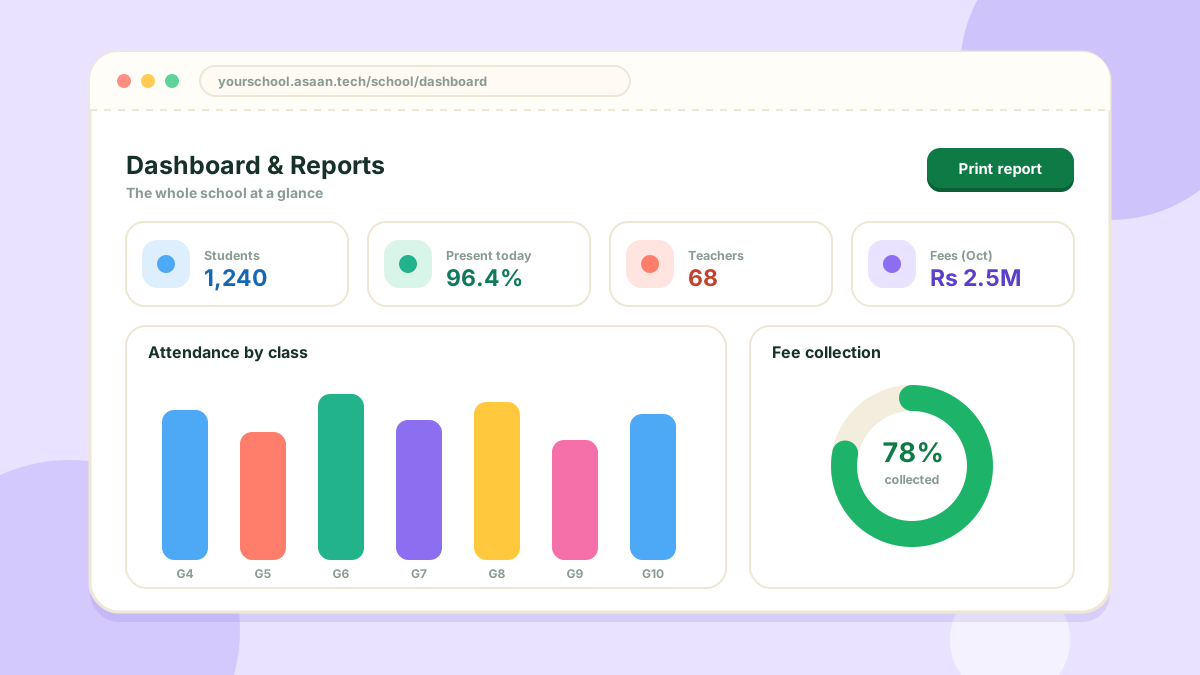
The dashboard
The school dashboard opens with the numbers that matter: students, teachers, classes and today's attendance, along with shortcuts to the modules your school uses.
Reports
The Reports section gathers the printable reports:
- Attendance Report for teachers
- Student Report for student attendance
Fee reports live under Fee Section > Fee Reports.
Getting data out
The student list, the teacher list and the fee sheet can each be exported to Excel.
Reports can be filtered by class and by date before printing.