
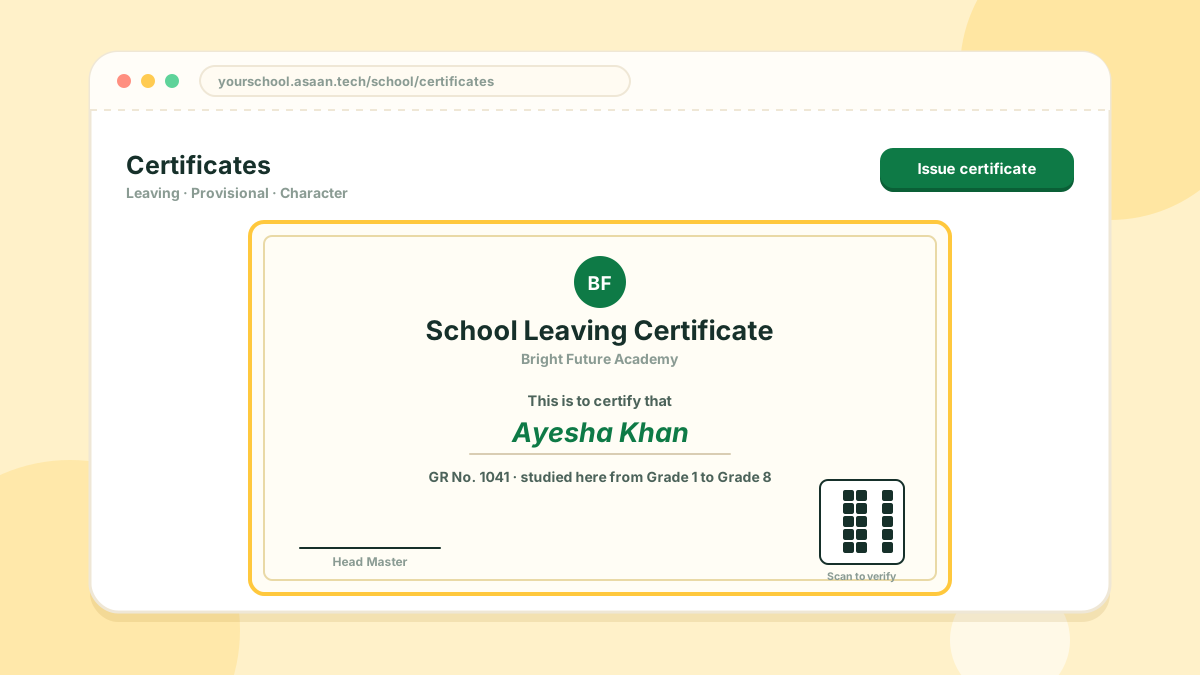
Asaan School issues three kinds of certificate:
- Leaving certificate
- Provisional certificate
- Character certificate
Issuing one
- Open the certificates section and choose the kind of certificate
- Pick the student. Their details are filled in from the student record
- Complete the remaining fields and print
A certificate that has been issued can be reprinted later.
Verification
Every certificate carries a QR code. Anyone who scans it is taken to a verification page on your school's portal, which confirms the certificate's details. A copied or altered certificate will not match.
The layout and wording are designed once, and your school's name and logo are used when printing.