
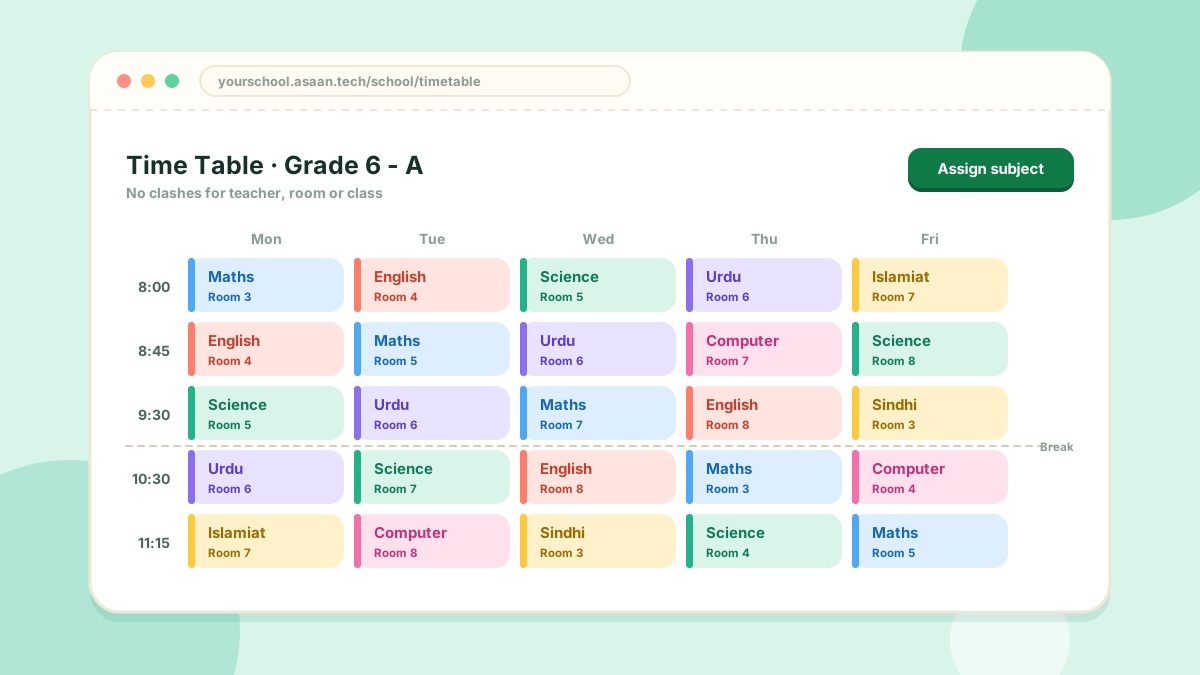
The timetable is built one period at a time, and the system stops you double-booking anyone.
Before you start
Under Academics > Miscellaneous Setting, add your rooms and your time slots (the period timings).
Assigning a period
- Open Academics > Assign Subject
- Choose the grade or section and the subject
- Choose the teacher, the room and the time slot
- Save
No clashes
When you save, the system checks three things for that time slot:
- the teacher is not teaching somewhere else
- the room is not already in use
- the class does not already have a period
If any of them clash, the period is refused and you are told why.
Each section can have its own timetable, separate from the rest of its grade.